🟢 Should You Use the “Open to Work” Banner on LinkedIn?

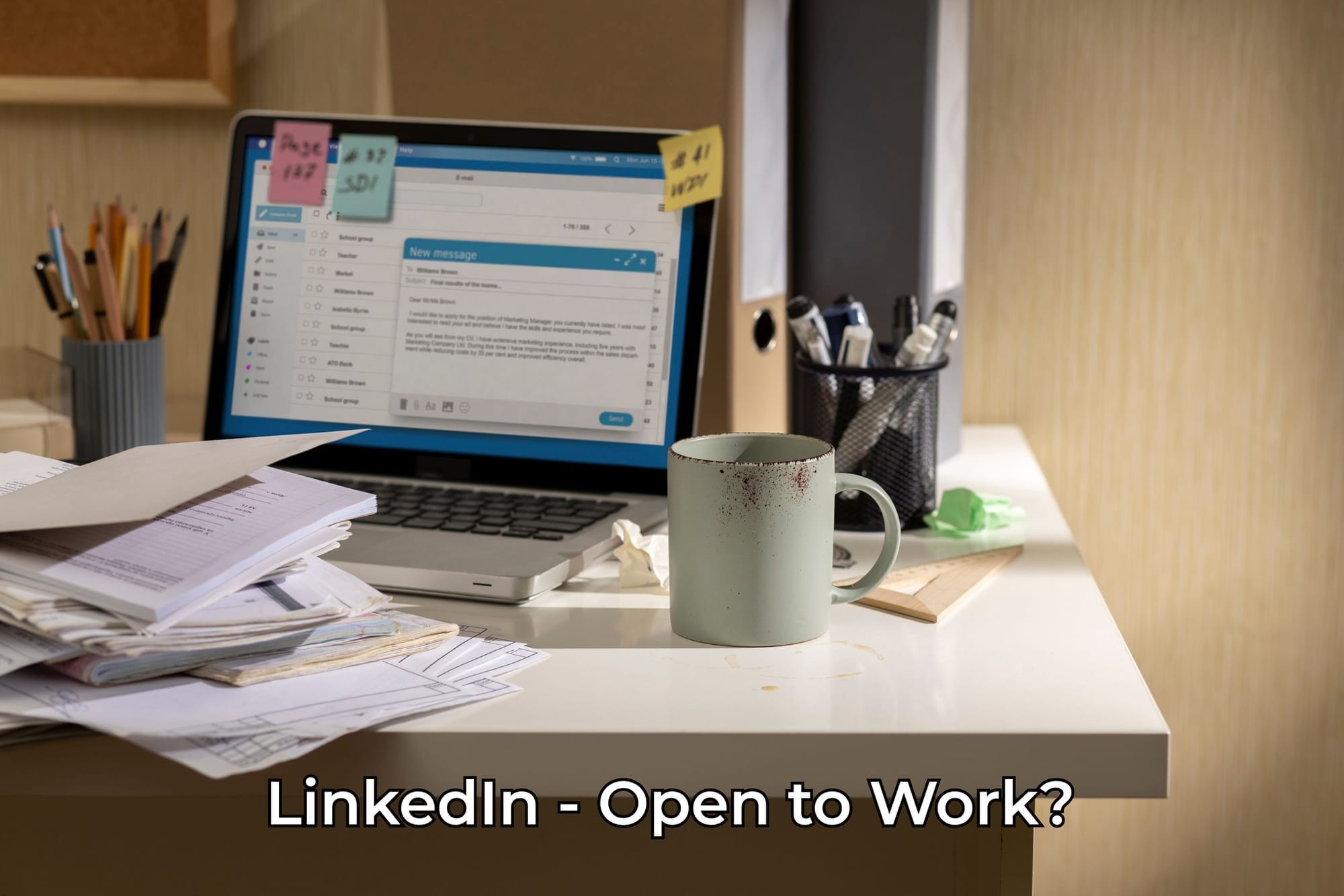
In this article, we’ll explore whether it’s a good idea to activate the green “Open to Work” banner on your LinkedIn profile when job searching — and what potential risks come with it.

What is the “Open to Work” Feature?

Launched in 2020, LinkedIn’s “Open to Work” feature places a green banner around your profile photo to show that you’re open to new job opportunities. To activate it, simply click on the “Open to” button under your profile picture.

You can then select preferred job titles and locations, and choose who can see your status:

  • “Share with all LinkedIn members” (visible to everyone)
  • “Share with recruiters only” (visible only to recruiters)

Most experts recommend choosing the second option — and we agree.

When you choose “Share with recruiters only”, your status is visible only to recruiters whose companies pay for LinkedIn’s premium hiring tools. These recruiters actively use job-seeking filters, so your profile is more likely to appear in their search results.

LinkedIn also respects your privacy: recruiters at your current company won’t see your status. However, in theory, a recruiter from your company could ask someone outside the company to check — it depends on your corporate culture. In most Western companies, this isn’t seen as a big issue. If asked, you might say:

“I love it here and hope to stay, but I think it’s helpful to see what’s out there. You should turn it on too!”

Great employees aren’t kept through fear — they’re retained by great working conditions. That’s the norm in competitive job markets.

This post is for subscribers only

Sign up now to read the post and get access to the full library of posts for subscribers only.

Sign up now Already have an account? Sign in