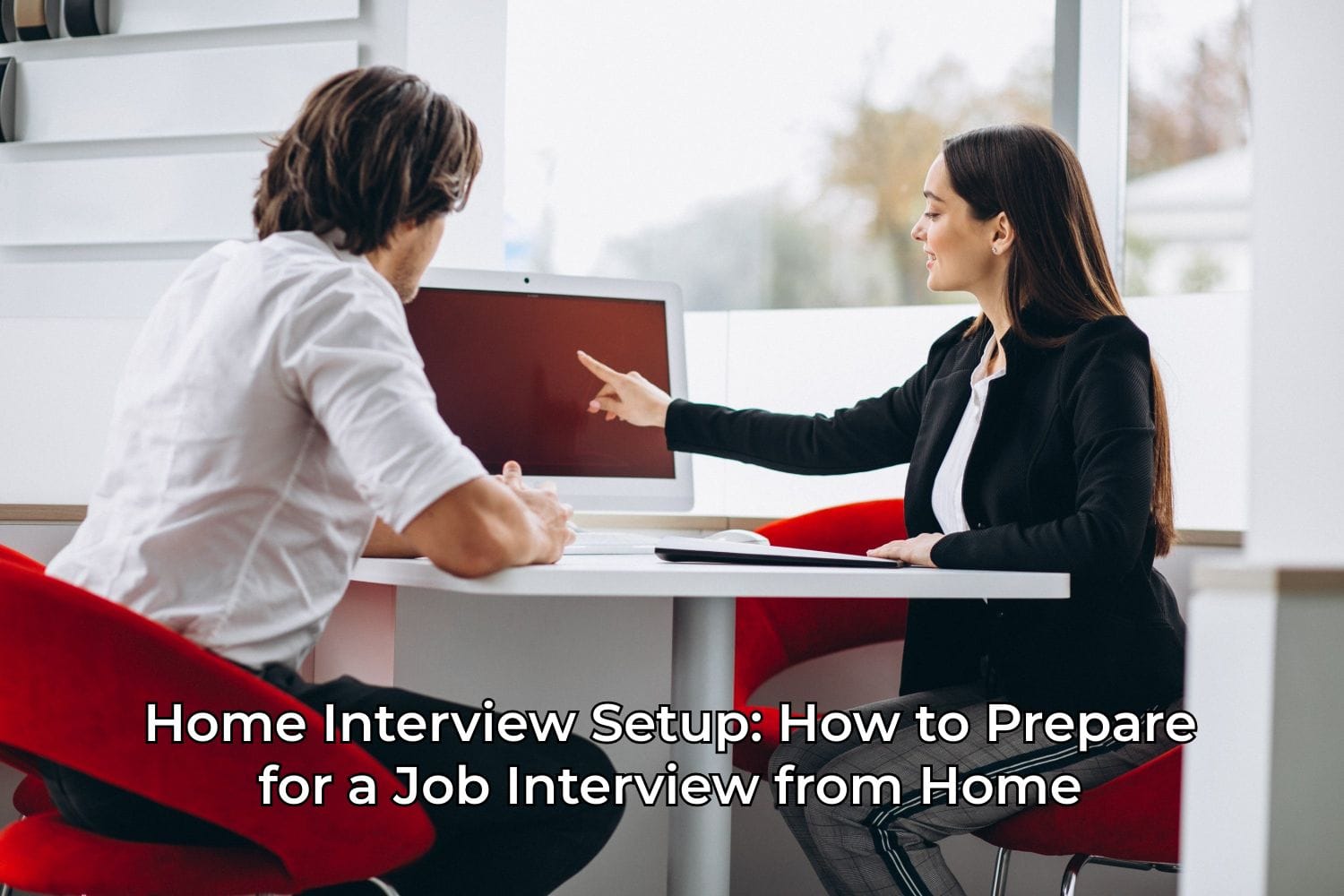
In 2022, no job selection process—whether in Russia or abroad—goes without an online interview. In this article, Networkio offers tips on how to prepare your home setup for this important stage.
Guide to Setting Up Your Space for an Online Interview
A few years ago, online interviews were mostly used to reduce costs in early hiring stages. Post-COVID, however, it’s become the norm to conduct the entire interview process online.
This guide will help you be fully prepared for virtual interviews. At the end, you’ll find a handy checklist to review before each call to make sure nothing is overlooked.
Background
The first thing to consider is choosing the right spot for your interview. The background behind you should be as neutral as possible. Avoid taking the call from your kitchen or a child’s room. Ideally, sit in front of a plain wall.
If you don’t have a suitable space, a tidy room or a bookshelf (though remember recruiters might peek at your books) can also work.
Remember: you should be the focus—not your home.
Most video platforms allow you to use a virtual background or blur the real one. We recommend being conservative with these features: a sunset or cute kittens might seem fun, but they’re seen as unprofessional in most organizations. A blurred background is acceptable, but if your internet connection is weak, it may lower your video and audio quality.
Opt for a desk and chair rather than a couch or armchair. Sitting upright helps you appear more confident and professional. Plus, your equipment will be easier to manage on a table than on your lap.
Lighting
If you’ve ever been startled by your reflection in a changing room mirror, you know how important lighting is.
- Check the room’s lighting to ensure it doesn’t look like you’re speaking from a basement.
- Add extra light in front of you if needed. Ideally, the light source should be directly in front or slightly to the side. Avoid lighting from above (it creates spooky shadows) or from behind (your face will be dark, and you’ll appear backlit).
- Use warm lighting. Natural daylight from a window in front of you is ideal. If that’s not an option due to weather, time zones, or your apartment layout, consider getting a ring light. They come in different sizes, and some can clip onto your monitor or phone.
Sound
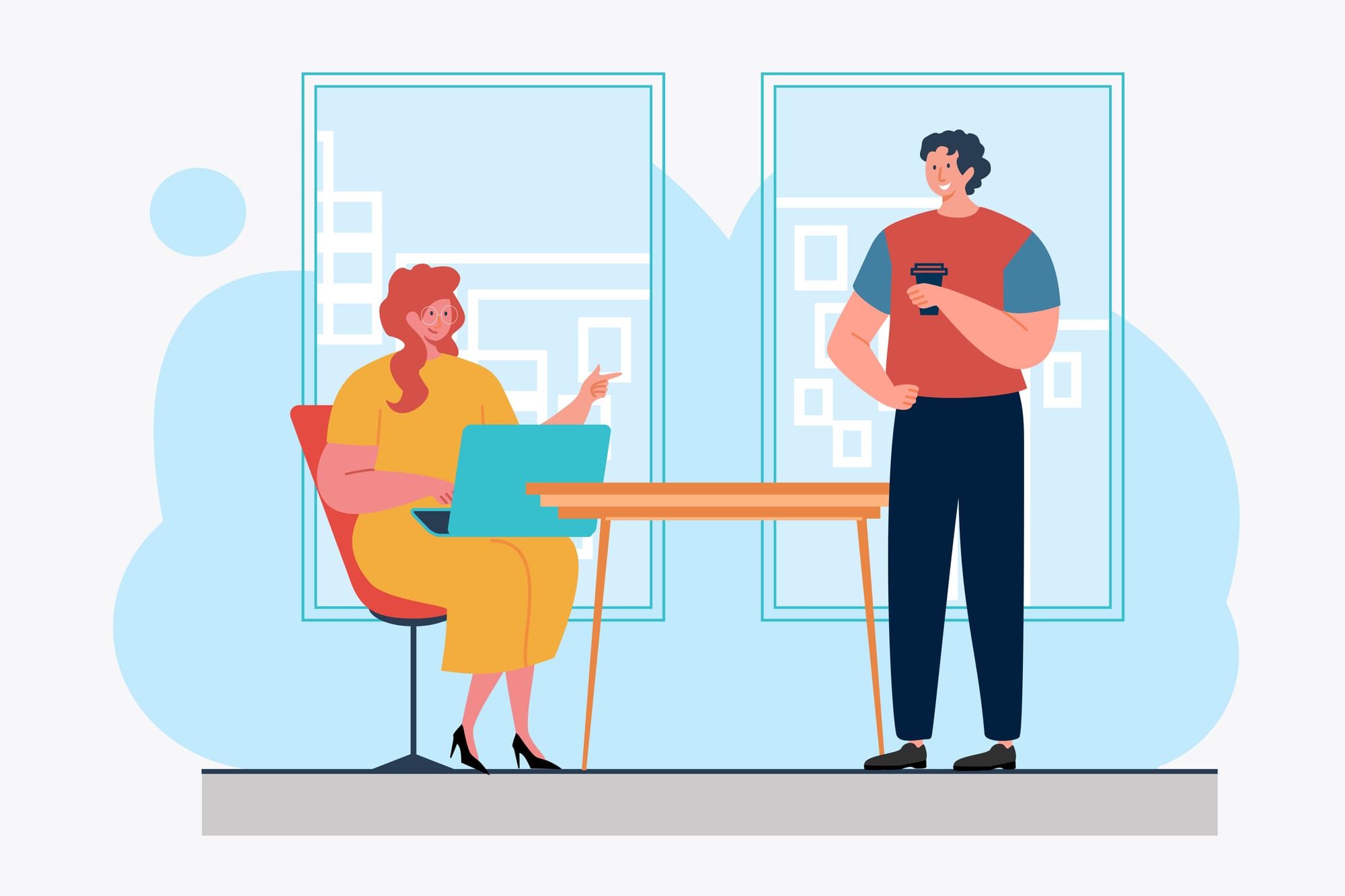
One of the most important—and often overlooked—elements of a good interview setup is sound. Built-in laptop microphones are usually low quality and sit far from your mouth. As a result, your voice may sound faint to the interviewer, while background noise gets amplified.
Here are a few equipment options at different quality levels:
🔹 Bluetooth Headsets
These are visually discreet and barely noticeable, but come with caveats:
- Disconnect them from any other devices they might auto-connect to. Some users reported their headset switching mid-call to a phone or tablet, which is awkward during an interview.
- Since the mic is far from your mouth, it may still pick up a lot of background noise.
A better option may be a dedicated Bluetooth headset with a visible mic — though you might look a bit like an investment banker.
🔹 Wired Headphones with a Mic
Surprisingly, even basic wired headphones often deliver better sound than AirPods. With the mic closer to your mouth, the interviewer hears more of your voice and less background noise.
Be sure to choose a model with a built-in microphone. Avoid over-ear headsets with boom mics, as they resemble tech support gear and may feel too casual for senior roles.
🔹 Dedicated Microphone
This is the best option in terms of sound quality—though the most expensive. Position it out of the camera frame so the interviewer feels like they're in the room with you. Our team tested this and had excellent results.
Video
You can use your built-in webcam if you have a MacBook—it’s good enough. However, if your laptop camera is poor, consider getting a separate webcam. Bonus: you can position it at the most flattering angle, and it will often automatically blur the background slightly.
Avoid using your phone camera. Why?
- Someone might call you, interrupting the video.
- You won’t be able to view notes or prompts on your laptop screen.
- You might be asked to complete a task or share your screen during the interview.
Desktop Setup
If you’re asked to share your screen, make sure your desktop is tidy and your wallpaper is neutral.
Some apps allow window-only sharing, but it’s better to be safe.
Also: log out of all messengers before the interview to avoid distracting pop-ups.
Appearance
Being at home doesn't change the fact that a job interview is a formal occasion.
Dress as you would for an in-person interview at the company:
- For a startup or tech firm with a casual dress code, a T-shirt and jeans might be fine.
- For a more conservative employer, opt for a shirt or blazer. Women might choose a blouse or dress.
Dress fully. It might feel fun to wear sweatpants, but there’s always a chance you'll need to stand up or the camera might fall. Better to be safe than become an office legend for the wrong reason.
For women: Use good judgment with makeup and hair. If it’s a conservative company, go for a neutral look and tidy hairstyle. If it’s a fashion or creative company, a bolder look might be acceptable.
When in doubt, go with the more formal option.
Check Your Internet Connection in Advance
A basic tip—but more relevant than ever.
- Make sure your internet bill is paid and your connection is stable.
- Use an Ethernet cable if possible — wired connections are far more reliable than Wi-Fi.
- Keep your phone with mobile data nearby, so you can switch to it if your home internet fails, without dropping the call.
Ensure Silence and Eliminate Distractions
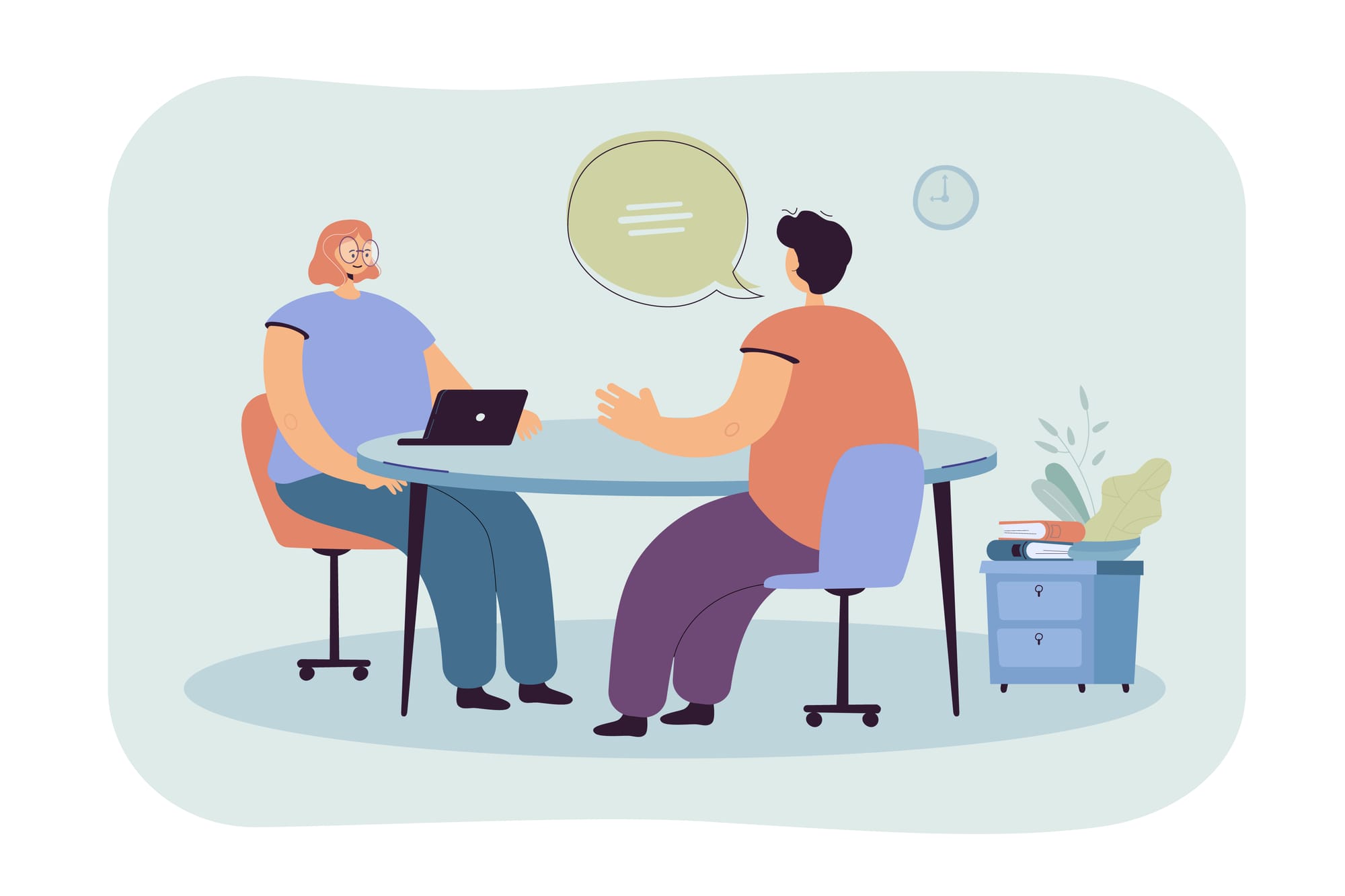
When interviewing from home, distractions can happen — family members walking in, a cat jumping on the desk, kids shouting in the next room. You may not be able to control everything, but try to create as calm an environment as possible.
Let everyone in your household know not to enter the room for the next hour, set your phone to “Do Not Disturb,” and keep pets in another room.
This is not just for the interviewer — most people are used to remote work and understand that home environments vary. But interviews are stressful, and you’ll feel more comfortable and focused if you're not interrupted by sounds, people, or pets. This allows you to present your best self.
Warm Up Your Voice
Before the interview—especially if it’s in a foreign language—it helps to speak a little, even if just to yourself. This gets you in the rhythm, calms your nerves, and helps you sound more natural from the very beginning.
Test the Interview Platform in Advance
If a specific app is required, download it ahead of time. Check your video settings (especially if you’re using an external webcam), and adjust your audio settings if needed (switch microphone and speaker inputs).
Join the call about 5 minutes before the scheduled time. You may need to wait in a virtual lobby, but it’s far better than being late.
Look at the Camera, Not the Screen
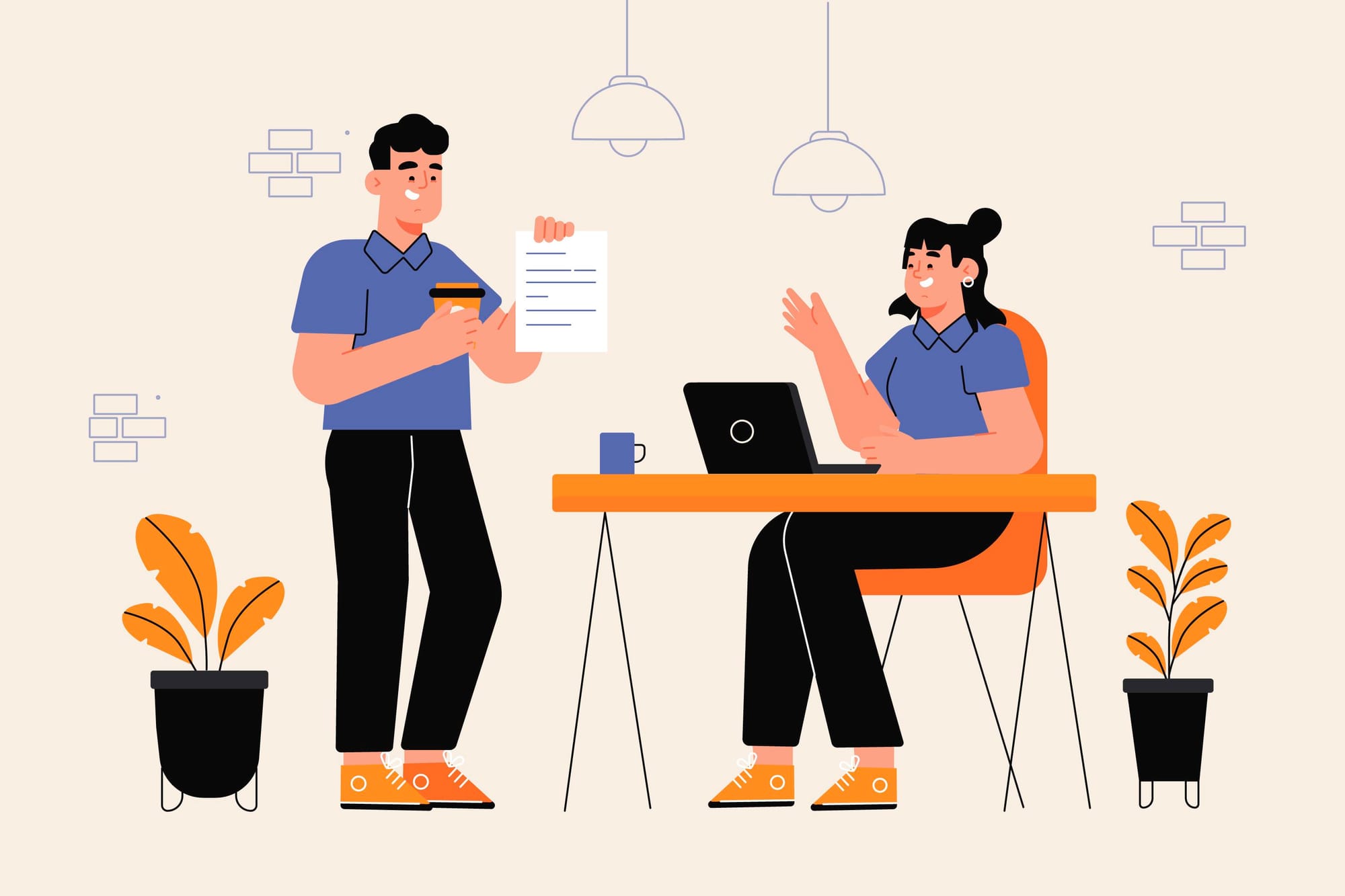
During the call, try to simulate eye contact with the interviewer. While you can’t look them in the eyes directly, you can look into the camera. A good tip is to position the video window as close to the webcam as possible so your gaze stays near the lens.
We also recommend turning off or minimizing your self-view. This will reduce the temptation to monitor your appearance and help you focus more on the questions and the interviewer.
Don’t Read from a Script
The online format makes it easy to keep notes or prompts on your screen — for example, examples of past experience or answers to common questions.
This can be helpful if you're nervous about forgetting something, but try to limit it to bullet points or keywords. Avoid writing out full paragraphs — the interviewer will notice if you’re reading instead of speaking naturally. It also makes it harder to maintain eye contact through the camera.
Don’t forget to close any text documents if you're asked to share your screen during the interview.
✅ Online Interview Preparation Checklist
In advance:
- Interview spot: desk, chair, neutral background
- Lighting
- Microphone
- Camera
- Clear your desktop
Before the interview:
- Appearance
- Internet connection
- Minimize distractions
- Warm up your voice
- App settings
- Join the call early
During the interview:
- Look into the camera
- Don’t read from a script
Q&A
Q1: Why is it important to choose a neutral background for an online interview?
A: A neutral background keeps the focus on you rather than your surroundings. It helps prevent distractions for the interviewer. Avoid kitchens or children’s rooms — a plain wall or a tidy room is ideal.
Q2: How should you light yourself for an interview?
A: Light should come from in front of you or slightly from the side to avoid shadows on your face. Warm lighting works best. If possible, place the light directly in front of you so your face is well-lit and the background isn’t too dark.
Q3: What audio devices are recommended for online interviews?
A: Wired headphones with a built-in microphone are best, as they offer better sound quality than Bluetooth headsets. If available, an external microphone can further improve audio clarity.